Haryana Excise Portal Login 2026: A Guide for L-2 and L-14A Vends
Published By: Jatin Monga (CEO) on 13 Nov 2026
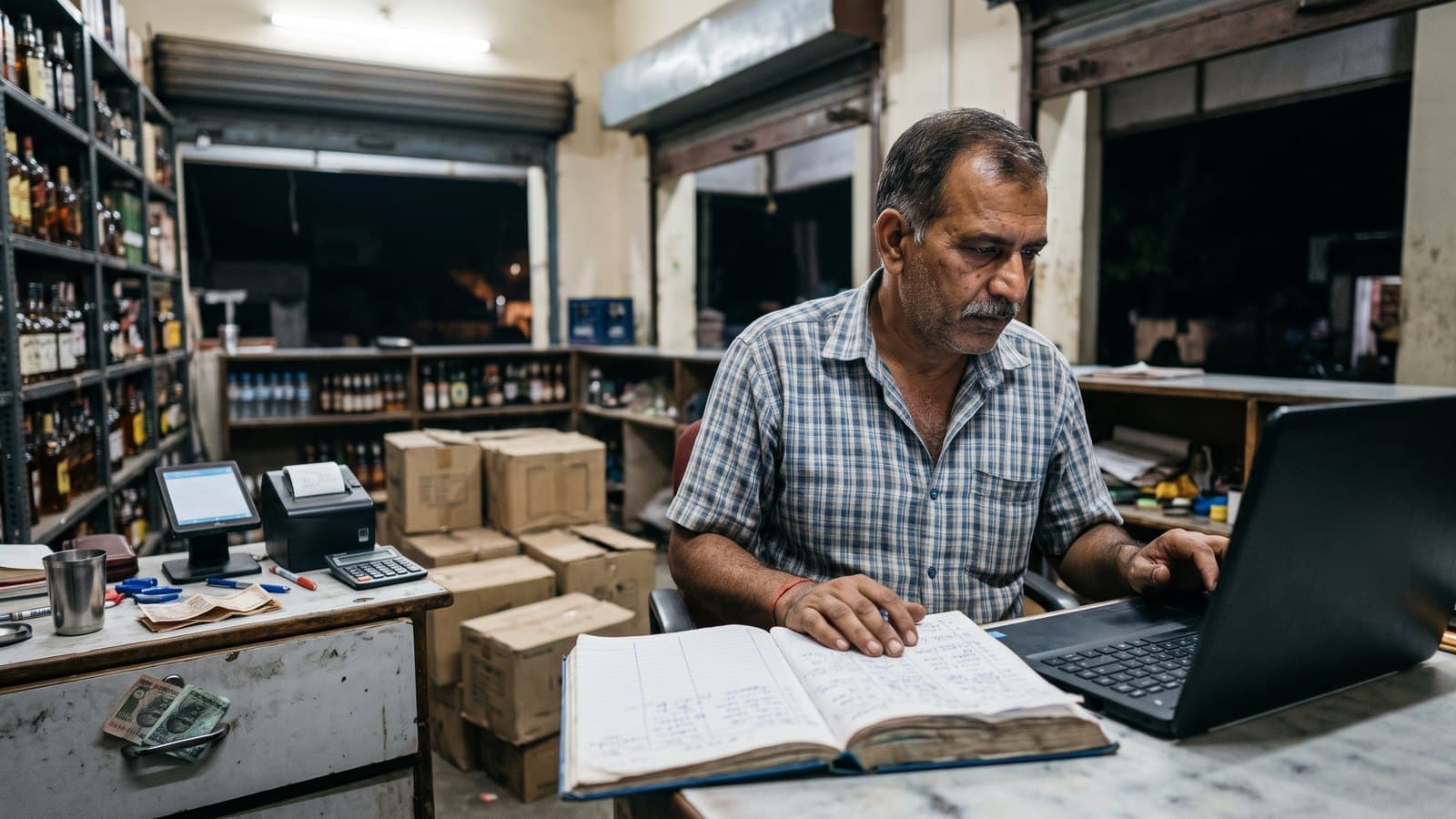
The Haryana excise portal login is the licensee login on haryanatax.gov.in, the website of the Excise and Taxation Department, Government of Haryana. An L-2 or L-14A vend uses it to pay its licence fee, keep an advance balance with the department, and apply for permits to lift stock from the wholesaler.
Most vend owners got their login when they registered to bid for their zone. Then the accountant or the vend manager starts doing the portal work, and a year later nobody is sure which email the login is on. Meanwhile the vend still keeps its daily accounts on paper, and those rarely match the stock on the shelf.
This guide covers which website to open, how the login and first-time sign-up work, what a vend does on the portal, and what it must keep on its own. If you run several zones, the same questions repeat for every licence, which is why multi-vend owners track all their vends from one place.
Which Haryana excise website is which
The department runs more than one website and login. Here is what each one is for.
haryanatax.gov.in is the department's main website. It covers excise, VAT and GST. The Login menu at the top has a User Login for licensees and an Official Login for department staff.
portal.haryanatax.gov.in is where the User Login opens. This is the licensee login a vend uses for permits and payments.
onlineservices.haryanatax.gov.in/excise_licences is a separate page titled "Online Services (Excise Module)". It has its own login with an OTP step and its own Sign Up link. Ask your DETC (Excise) office whether your vend needs an account here.
investharyana.in is the Invest Haryana (HEPC) portal. First-time excise sign-up starts here, as explained below.
Some useful things on the main website need no login. Under the Excise section you will find the Acts, Rules and Excise Policy, a Licensee Search, a Transit Slip page, and payment for unregistered users. Public notices, such as e-tenders to re-allot a zone, are posted on the home page.
How the Haryana excise portal login works
The department's own user manuals show these steps for a licensee.
Open www.haryanatax.gov.in.
Click Login in the top menu, then User Login.
Enter your user name, which is the email ID you registered with, and your password.
Type the captcha code shown on the screen and press Login.
If you have forgotten the password, use the Forgot Password link on the same box.
After login, the dashboard shows your zone code and licence number at the top. It has menus for Permit and Pass, E-Services and Reports. On the right, an Application Status box links to your Permit List, your License Dashboard and any Pendency or Returned Applications. If you hold more than one licence, a Switch License button moves you between them.
Keep the login with the licensee. The licence is in your name, and every permit and payment on the portal is made against it.
First-time sign-up and registration
There is no separate vend sign-up form on the licensee login page. The department's 2025-27 e-tender procedure sets out the route.
Sign up on investharyana.in under New Investor Registration, with a working email ID and mobile number. Both receive OTPs.
Confirm the link sent to your email.
Log in, click Add CAF and choose the project type Excise and Taxation.
Under Service Required, pick the department Excise and Taxation and the service "Application for License of Local Sale (Retail)".
Under Service in Progress, click Fill Service Form. This sends you to the department portal for OTP validation.
After that, you log in directly on haryanatax.gov.in. Your registered email is the user name. For the first login, set your password with the Forgot Password option.
The portal also has an Applicant Registration page. That form is only for the L-12A one-day event licence and the L-50 private possession licence. It is not the vend login.
If your login stopped working after a change of email or partner, do not create a fresh account. Ask your DETC (Excise) office how to update the existing one.
What a vend does on the portal
The manuals we read cover three jobs for a retail vend.
Corpus and licence fee
The corpus is an advance balance you keep with the department. For L-2 and L-14A vends, the licence fee and other levies, including additional excise duty, are deducted from it. On the dashboard, the option is "Pay License Fee / Add Corpus (Advance Amount) / other Excise Levies".
You choose the payment type and duty head, enter the amount and proceed.
The system makes a challan. You can pay by QR code or the other options shown.
An online payment shows in your ledger at once if the transaction succeeds.
A payment by e-challan takes at least 24 hours to show.
The challan must be made from the department portal, not on the E-Gras website directly.
After payment, the e-challan can be viewed and printed. Keep a copy in your file.
Permit to lift stock from the L-1
An L-2 vend applies for a permit from its dashboard to receive stock from its L-1 wholesaler. The permit form shows:
Your licence details, the permit category and the quota type, basic or additional.
Your licence fee due, paid and balance, with any interest.
The supplier: the L-1 licensee you are lifting from.
Your quota by month: quota allotted, quota issued on permits and quota actually lifted.
The liquor type and quantity in proof litres, with the permit fee worked out.
The fee is taken from your corpus balance. You get an acknowledgement, and the permit shows in your list of permit requests. It then goes to the Excise Inspector of the district and is approved by the AETO. After approval, the supplier can see it and your permit status updates.
Your quota sits on this screen. Check the lifted figure against your own purchase records every month.
Pass and track and trace
Stock moves against a pass. The department's manuals show suppliers scanning bottle barcodes through a mobile app when stock goes out and when it comes in. The 2025-27 policy asks manufacturers to put a QR code based track and trace system on country liquor and IMFL bottles. In July 2026 the Chief Minister launched an upgraded version, and news reports say it follows each bottle up to retail sale.
Whether your vend must scan on arrival or at sale depends on what your district has rolled out. Ask your Excise Inspector.
Is there a Haryana excise login app?
The header of haryanatax.gov.in has a Mobile App link. It downloads an Android APK file straight from the department's website. It is not a Play Store link.
If you need the app, download it only from that link on the department's own site. Never install an excise app sent on WhatsApp or found on another website. Do not type your portal password into any app or page that is not on a haryanatax.gov.in address.
The site also lists the Kar Hiteshi app on the Play Store and the App Store. Its listing does not say it is the excise licensee login, so do not treat it as one.
Records the vend keeps, portal or no portal
The portal handles permits and payments. Your own records are a separate duty, and the inspector checks them at the vend.
The Haryana Liquor Licence Rules, 1970 say every licensee keeps the prescribed registers, keeps true accounts day by day in ink and files returns on time. You must show your licence and accounts to an excise officer on demand.
L-2: receipts and sales go in Form L-22. Each receipt carries its pass number and date. Each day ends with the day's totals and the closing balance. The monthly return in Form M-66 goes to the Excise Inspector by the second day of the next month.
L-14A: receipts and sales go in Form L-26, and the monthly return is Form M-68.
The 2025-27 policy adds a POS machine at every sale counter and a POS invoice for any buyer who asks. It also asks licensees to adopt the integrated POS solution the department prescribes. Ask your DETC (Excise) office what that means for your vends. The full list of counter rules and penalties is in our Haryana excise policy 2026-27 guide.
None of the manuals we read show the L-22 or M-66 being filed on the portal. Ask your Excise Inspector whether your district takes these returns on paper or online.
How BottleShop keeps the vend's numbers ready
Every number the inspector asks for comes from two things: what came in and what went out. The permit and pass cover what came in. What went out is decided at the counter, bill by bill.
BottleShop is India's first liquor-only POS, built for liquor counters. Each vend bills on an Android tablet in under a second. It works fully offline and syncs on its own when the network returns. Every bill updates the stock, brand by brand and size by size.
So at closing, the day's sales and the closing stock are already counted. Your manager writes the register from that report, not from memory. At month end, the totals for your monthly return come from the same data. When the inspector visits, the shelf, the register and the bills agree.
Two things stay the same. You or your accountant still log in to the portal for permits and payments. BottleShop does not file anything on the Haryana portal for you. What goes away is the night spent rebuilding the day's figures by hand.
The Business plan suits most Haryana vends. It sends discounts, bill cancellations and cash withdrawals to the owner's phone for approval on WhatsApp OTP. It gives your accountant a Tally export and runs up to 3 billing devices. Plans start at Rs. 25,000 a year, about Rs. 70 a day. You can see how billing, stock and reports work in the BottleShop features. BottleShop is live in 10 states with zero churn.
Frequently Asked Questions
What is the official website for the Haryana excise portal login?
The licensee login is on haryanatax.gov.in, the website of the Excise and Taxation Department, Haryana. Click Login, then User Login, which opens portal.haryanatax.gov.in. Enter your registered email ID as the user name, your password and the captcha. The same site carries the excise policy, public notices and user manuals.
What is my Haryana excise login ID and password?
Your login ID is the email ID you registered with when you signed up through the Invest Haryana portal. You set the password yourself. For the first login, the department's procedure says to set it using the Forgot Password option. If you no longer know the email, ask your DETC (Excise) office.
How do I register on the Haryana excise portal?
Sign up on investharyana.in, add a CAF with the project type Excise and Taxation, and request the excise service you need. After OTP validation you can log in directly on haryanatax.gov.in. The Applicant Registration form on the portal is only for L-12A and L-50 licences, not for vends.
Is there a Haryana excise login app?
The department's website offers a mobile app as an Android APK download from its own header. Its manuals show suppliers scanning barcodes through a mobile app. Download it only from haryanatax.gov.in, never from a WhatsApp link. Ask your Excise Inspector whether your vend needs it.
How does an L-2 vend apply for a permit online?
Log in, open Permit and Pass, and apply for a permit. Choose your L-1 supplier, the quota type and the liquor quantity in proof litres. The fee comes from your corpus balance. The permit goes to the Excise Inspector and is approved by the AETO before the supplier sees it.
Does billing software file my Haryana excise returns?
No. You or your accountant still log in to the department portal for permits and payments, and your monthly return goes to the Excise Inspector. Billing software like BottleShop gives you the day's sales and closing stock from every bill, so the numbers you write or file already match your shelf.
Stock milane ka sirdard ab khatam ho gaya. If you want to see how your vend's stock and cash look, ask us for a free inventory audit on WhatsApp at +91 84473 30196.
Last updated: 13 November 2026