Wine Shop Management Software: 12 Questions to Ask Before You Buy
Published By: Jatin Monga (CEO) on 02 Nov 2026
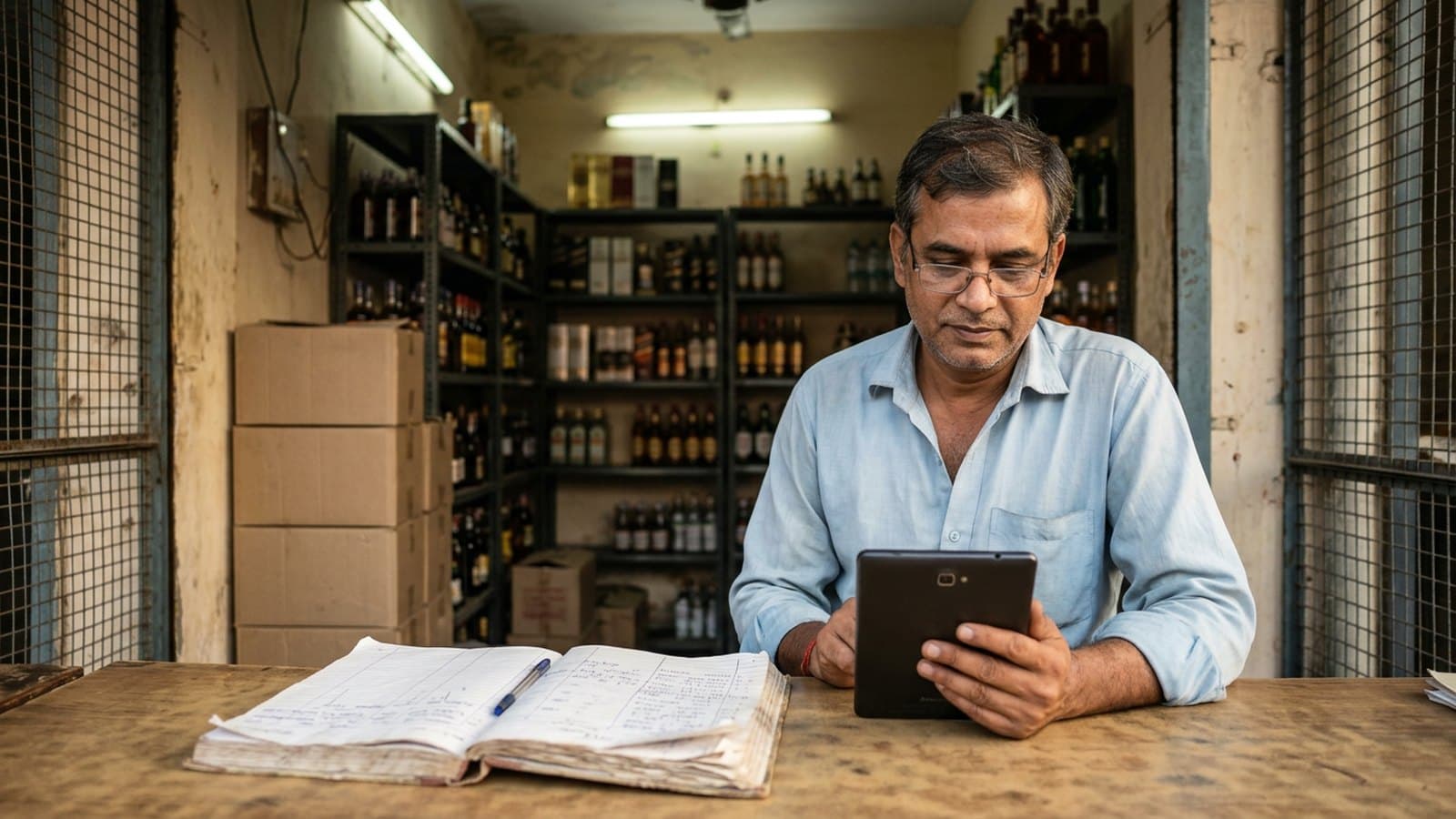
Wine shop management software is the system that bills your customers, tracks your stock and builds the papers your excise office asks for. Choosing one is a big decision for a shop that has run on a paper register and Excel for years.
Every vendor says the same things in a demo. Fast billing, full reports, easy to use. The demo will not show you what happens on a bad Saturday. So bring questions. This post gives you twelve, grouped by the part of your day they touch, with what a good answer and a bad answer sound like.
If you want the product basics first, the page on wine shop management software covers them. This post is only about what to ask.
Questions about the counter
1. What happens to billing when 10 customers stand in the queue?
Ask the vendor to bill a real basket live, not on a slide. Time it yourself.
A good answer is a live bill in about a second, with a barcode scan or a short search. A bad answer is "it depends on your internet" or a demo that only runs on a recorded video.
2. What happens when the power or the internet goes?
A power cut or a slow network does not wait for a quiet hour.
A good answer is that billing continues fully offline and syncs by itself later. Ask them to switch off the Wi-Fi and bill again, right there. A bad answer is "keep a mobile hotspot ready" or "billing pauses for a few minutes".
Questions about excise paperwork
3. Does the software build the daily registers your state asks for?
In Uttar Pradesh, a shop keeps daily category-wise registers for IMFL, wine, beer 5% and beer 8%. The daily working sheet is the parcha. At month end the shop files the monthly stock report (MST).
Ask the vendor to print yesterday's registers from a demo shop's bills. A good answer is a register that comes out of the bills with no re-typing. A bad answer is "export to Excel and format it yourself".
In Haryana, IMFL is an umbrella category. It takes in beer, wine and cider. Ask how the software groups them. Ask to see the report as your district office expects it, not a general sales report.
4. What does the software do about the OASYS scan?
In UP, every bottle sold is scanned on your OASYS device. That scan belongs to the excise system, not to any billing software.
Be careful with any vendor who says their software replaces it. A good answer is that the OASYS scan stays and the software covers everything around it. Also ask your district excise office what scan percentage your shop must hold. Do not take a number from a salesman.
5. If I hold two licences, can stock be kept apart?
Some Haryana zone owners also hold an L-1 (IMFL wholesale) or L-13 (country liquor wholesale) licence. That premises keeps its own stock, apart from the retail vend.
A good answer is one store set up for each licence, each with its own stock and prices. A bad answer is "put everything in one store and we will sort it later".
Questions about stock
6. How will my opening stock get into the system?
This step often goes wrong. Your paper register and your shelf may already disagree.
A good answer is a clear plan. Who enters the stock from your register, how long it takes, and how the first count is checked against the shelf. A bad answer is "you can upload it yourself in Excel" with no one checking the result.
7. How do you stop a wrong pack size or MRP on the product list?
A 375 ml bottle sitting on the 180 ml line is a small mistake that grows. The register, the stock value and the profit all go wrong from there.
Ask who maintains the product list and how a new product gets added. A good answer is a ready list built for your state, with the volume checked on every item. A bad answer is "you create each product yourself".
8. How do I enter a purchase, and how long does it take?
Ask them to enter a real distributor invoice, line by line. A good answer is a few minutes, with the quantity, the rate and the MRP shown together on one screen. A bad answer is a long form for every bottle.
Questions about cash and control
9. How does my cash closing work, and can I see it when I am not in the shop?
Ask to see the end-of-day screen. A good answer shows expected cash, counted cash and the difference, with a daily report sent to your phone. A bad answer is a screen that only shows total sales.
10. What can I approve from my phone, and what happens when I am away?
Look for the controls an owner needs. A discount, a bill cancellation, a price change or a cash withdrawal should wait for your approval.
A good answer is that each one reaches your phone, and you say yes or no. A bad answer is that every staff login has the same rights. Ask what you will be able to see and approve.
Questions about accounts, growth and money
11. Can my accountant get a Tally file, and can I add a counter later?
Ask for a sample. A good answer is a report formatted for direct Tally upload, which works with the Tally version your accountant already uses. A bad answer is a plain Excel dump that must be re-keyed.
If you plan a second counter or a second shop, ask now. A good answer is one owner view across all counters and stores. A bad answer is a separate login and a separate report for each.
12. What does it cost in total, and who answers when billing stops?
Ask for two numbers. The one-time setup cost, and the yearly cost after that. Ask what is not included.
A good answer is a written price list with no surprises in year two. A bad answer is "we will discuss after the demo".
Then ask who picks up the phone at 7 pm on a Saturday. A good answer is a named support channel with a stated reply time. A bad answer is a ticket form.
How to use this list in the demo
Print the twelve questions. Take a pen. Mark each answer good, bad or "will check".
Ask the next-generation family member and the accountant to sit in. One watches the counter. One watches the books. You watch the cash.
Then ask the vendor to bill a few of your own products in the demo. Any vendor sure of the product will agree.
How BottleShop answers the same questions
Here is where BottleShop stands on them. Check each point in the demo and against the features page.
Billing takes about a second, and it runs in full offline mode. When the network returns, the data syncs by itself. It works on an Android tablet.
The daily excise registers are built from your bills. For UP, that means the category-wise registers and the reports behind the monthly stock report (MST). BottleShop does not replace the OASYS scan. Your OASYS device stays at the counter. The scan and the portal filing remain yours.
Each licensed premises is set up as its own store, with its own stock and its own price list. Opening stock is entered from your paper records as a one-time setup service, and the setup charges are listed on the pricing page. They are paid once. From year two you pay only the plan fee.
Cash drawer management and daily reports are in every plan. The Business plan adds the owner controls. Discounts, bill cancellations, price changes and cash withdrawals wait for an approval on your WhatsApp. It also adds the Tally export and WhatsApp alerts for low stock. For a shop with a single counter and no need for approvals, the Essential plan covers the billing, purchases, stock and reports. If you also hold a wholesale licence, the Pro plan adds wholesale billing and credit. An owner with several stores sees them all in one view.
Plans start at Rs. 25,000 a year, about Rs. 70 a day. Approval OTPs and customer bill messages are small usage charges, also listed on the pricing page. Support runs on WhatsApp. The pricing page states a reply within an hour, from 7 AM to 11 PM.
BottleShop has zero churn. If you run a composite shop, the page on composite shop software covers that setup.
Frequently Asked Questions
What should wine shop management software do on day one?
It should bill fast, keep your stock and print the daily registers your state asks for. In UP that means the category-wise registers and the monthly stock report (MST). Ask to see all three on a demo shop before you pay anything.
Does wine shop management software replace the OASYS scan in UP?
No. The OASYS device scans each bottle sold, and that stays with the excise system. Billing software handles the bills, stock, cash and reports around it. Ask your district excise office what scan percentage your shop must hold.
How long does it take to move from a paper register?
The slow part is opening stock. Someone must enter your register, and the first count must match your shelf. Ask the vendor for a date, a named person and a check step. A plan with none of these will drift.
Is Tally export worth paying for?
If your accountant keys sales into Tally by hand, yes. A report formatted for direct Tally upload saves your accountant hours every month. Ask for a sample file and have your accountant open it before you buy.
What should the yearly cost cover?
It should cover billing, stock, reports, unlimited staff logins and support. One-time setup is charged separately, once. From year two you should pay only the plan fee. Ask for this in writing.
Can one system run two counters or two stores?
It should. Ask for one owner view across all counters and stores, with stock and price lists kept separate per licence. A separate login for each store is a warning sign.
Last updated: 2 November 2026