Wine Shop CCTV Camera: Where to Point It and What It Misses
Published By: Jatin Monga (CEO) on 08 Nov 2026
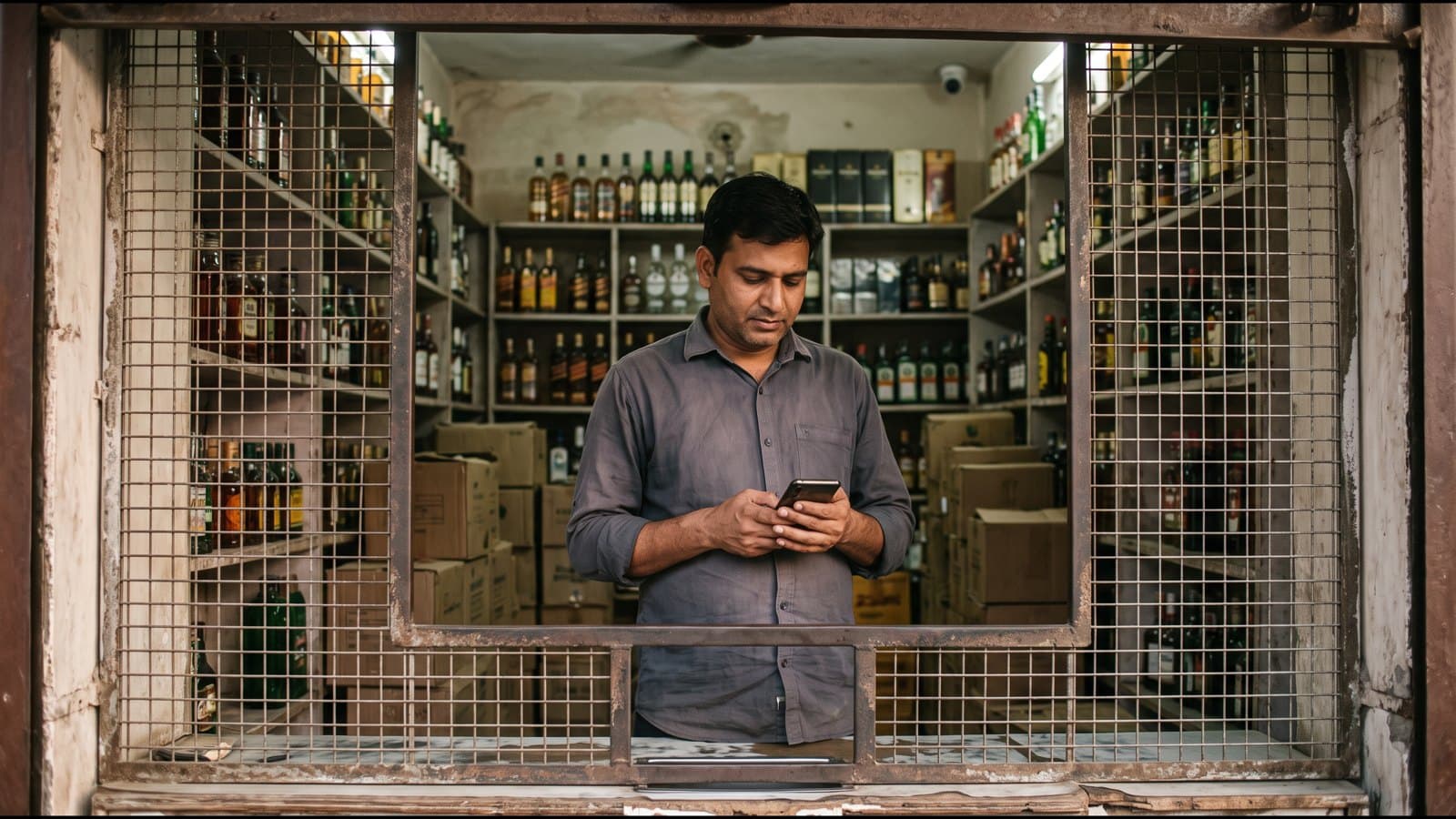
A wine shop cctv camera records what happens at your counter, shutter and godown. It does not tell you what the record means. To find one cancelled bill or one extra discount, someone has to sit and watch the footage, and in a busy shop nobody does.
Most owners put cameras in for peace of mind. The cameras do their job. The trouble starts when the camera becomes the only control. A shop that runs 12 hours a day produces 12 hours of video every day for each camera, and the owner has time for none of it.
This post covers what cameras are good for, what they cannot do, where to point them and how to view them from your phone. It also covers the controls that show a problem the same evening, because a camera and a daily number work best together. If you run a shop in UP or Haryana, this is for you and for the manager who stands at the counter when you are away.
What a Wine Shop CCTV Camera Is Good For
A camera is good at three things.
First, it settles an argument. A customer says he paid and the cash is short. A staff member says the box was already open. The footage shows what happened, with the time on it.
Second, it changes behaviour. People at the counter act with more care when they know a camera is above them. That alone prevents small mistakes.
Third, it covers the parts of the shop that no software can see. The shutter at opening and closing time, the back door, the godown and the stretch between the counter and the stock shelf are all places where a camera is the only record.
A camera is a good witness. It is a poor accountant.
What a Camera Cannot Do
A camera records pictures. It does not read your billing.
It does not tell you that a bill was cancelled after the customer left. It does not tell you that a discount was given on a bottle that has a fixed price. It does not tell you that Rs. 2,000 was taken from the galla for a reason nobody wrote down. You can see a person at the counter in the footage, but you cannot see what he typed.
There is also the time problem. If you have a doubt about one evening, you must find the right camera, the right hour and the right two minutes. Many owners try this once, spend an hour and stop.
Footage also arrives late. You look at it after the cash is already short, which means you are finding the cause after the loss. A number that shows up the same evening lets you ask the question while the day is still fresh in everyone's memory.
So the plain rule is this. Use the camera for what it can see, and use billing records for what it cannot.
Where to Point the Cameras
Four spots cover most of a wine shop.
The billing counter. Point one camera at the person billing and the galla drawer, so that you can see the cash going in and out. This is the most useful camera in the shop.
The customer side of the counter. A second view of the counter from the customer's side shows the bottle handed over and the payment made.
The shutter and entry. This shows who opened the shop, when, and who was there at closing. Cover the exit too.
The godown or back room. Stock moves here before it reaches the shelf. A camera at the door of the godown records every time it opens.
Keep cameras high enough that a customer cannot reach them, and away from direct light from the door, which turns faces into dark shapes. After fitting, stand at the counter and look at the live view on a phone. Check that the faces, the drawer and the date and time are clear before the installer leaves.
Storage and Viewing From Your Phone
Most shop systems use a recorder with a hard disk, either a DVR or an NVR. The cameras send video to the recorder and the recorder keeps it for a number of days. When the disk is full, it starts writing over the oldest video.
Ask your installer one question: how many days of video does this disk hold with all my cameras running? Write the answer down. If a doubt comes up on day 20 and the disk holds only 15 days, the footage is already gone.
Two habits help.
Set the recorder's date and time correctly, and check it once a month. Footage with the wrong time is hard to use.
Save the clip the same day when something looks wrong. Copy it to a pen drive or your phone before the disk writes over it.
Most recorders have a phone app for live view and playback. Set it up on your own phone and a trusted family member's phone. Use a strong password and do not share the login with the counter staff. Cameras only work for you when you can open them yourself.
What the Excise Office May Expect
Camera rules differ by state and by type of shop, and they change with each policy year.
For Haryana, the Excise Policy 2025-27 (clause 12.3) says CCTV cameras shall also be installed at all urban vends, covering the relevant areas including entry, exit and billing counters. Wholesale licence premises have separate camera conditions in the same policy. Confirm with your DETC office how this applies to your vend, and what footage you must keep.
For UP, we did not find a camera rule we could verify for a retail shop. Do not rely on a forwarded message or a neighbour's word. Ask your district excise office what is required for your type of shop, and ask in writing if you can.
Either way, a camera fitted to satisfy an inspection and a camera placed to protect your cash can be the same camera. Place it for both.
The Controls That Work With Cameras
The camera shows you a person. These controls show you a pattern.
Owner approval on WhatsApp
Four actions at the counter are the ones that quietly change your cash and stock: a discount, a bill cancellation, a cash withdrawal and a price change. With owner approval, each one goes to your phone as a WhatsApp message with a code. The action does not go through until you approve it.
You do not need to watch the counter. You see each request as it happens, with the amount, and you decide in a few seconds. Staff learn quickly that these four things are seen by you.
Cash variance every evening
At closing, count the cash in the galla and compare it with the cash the day's bills say should be there. The gap is your variance. A small gap on a busy day is normal. The same gap every Friday, or a gap that only appears on one person's shift, is a pattern worth a conversation.
This works because the number is ready the same evening. You do not have to go back through footage to find out that something was wrong.
The daily report on WhatsApp
A short report on your phone every evening, with sales, cash and stock for the day, replaces the habit of waiting for the manager to tell you how the day went. Read it while you have your tea. If something looks off, you now know which day and which counter to open the camera for.
That is the best use of a camera. The numbers tell you where to look. The footage then shows you the two minutes that matter, instead of twelve hours.
How BottleShop Fits With Your Cameras
BottleShop does not replace your cameras. It does the part they cannot.
BottleShop is a billing and stock system built for liquor shops, as you can see on the liquor store software page. It is India's first liquor-only POS, with billing under one second, offline mode with auto-sync, and daily excise registers built from the bills. It is live in 10 states with zero churn.
For cash and staff control, the Business plan is the one that fits. It sends discounts, bill cancellations, cash withdrawals and price changes to the owner for approval on WhatsApp, and it supports up to 3 billing devices for shops with more than one counter. Every plan, starting with Essential, includes cash drawer management with daily cash reporting and a daily WhatsApp report to the owner. Read the full list under features.
If your shop is a small theka with one counter, the theka billing software page shows how billing and cash close fit that setup.
A simple way to use both: let BottleShop's approvals and daily report tell you which day looks wrong, then open the camera for that day and that counter.
Frequently Asked Questions
How many cameras does a wine shop need?
Most wine shops cover the shop with four cameras: the billing counter, the customer side of the counter, the entry and shutter, and the godown door. A shop with two counters or a long floor needs more. Start with the counter and the drawer, because that is where cash and bills are handled.
Can I watch my shop cameras on my phone?
Yes, most recorders and IP cameras have a phone app for live view and playback. Ask your installer to set it up on your phone before he leaves. Use a strong password and keep the login to yourself, so that only you and a family member you trust can open the cameras.
Does a camera show if a bill was cancelled or a discount was given?
No. A camera shows a person at the counter, but it does not show what was entered in billing. For that you need records from the billing system, such as an approval request for each cancellation or discount, so you see them on your phone as they happen.
How long should I keep CCTV footage?
That depends on your disk and on what your excise office requires. Ask your installer how many days the disk holds, and ask your DETC office or district excise office whether you must keep footage for a set period. Copy any clip you may need before the disk writes over it.
Is a CCTV camera compulsory in a wine shop in Haryana or UP?
For Haryana, the Excise Policy 2025-27 says cameras shall be installed at urban vends covering entry, exit and billing counters. For UP we could not verify a rule for retail shops. Check the exact condition for your licence with your district excise office, because it can differ by shop type and policy year.
What should I check every evening if I have cameras and billing software?
Check three things: the cash variance after closing, the approvals the day's discounts and cancellations needed, and the daily WhatsApp report. If all three look normal, you do not need to open the footage. If one looks off, open the camera for that counter and that hour.
Galla short hai toh usi shaam pata chal jaata hai. If you want to see how your shop's stock and cash look, ask us for a free inventory audit on WhatsApp at +91 84473 30196.
Last updated: 8 November 2026