Wine Shop Accounting in Tally: A 2026 Guide for UP and Haryana
Published By: Jatin Monga (CEO) on 03 Oct 2026
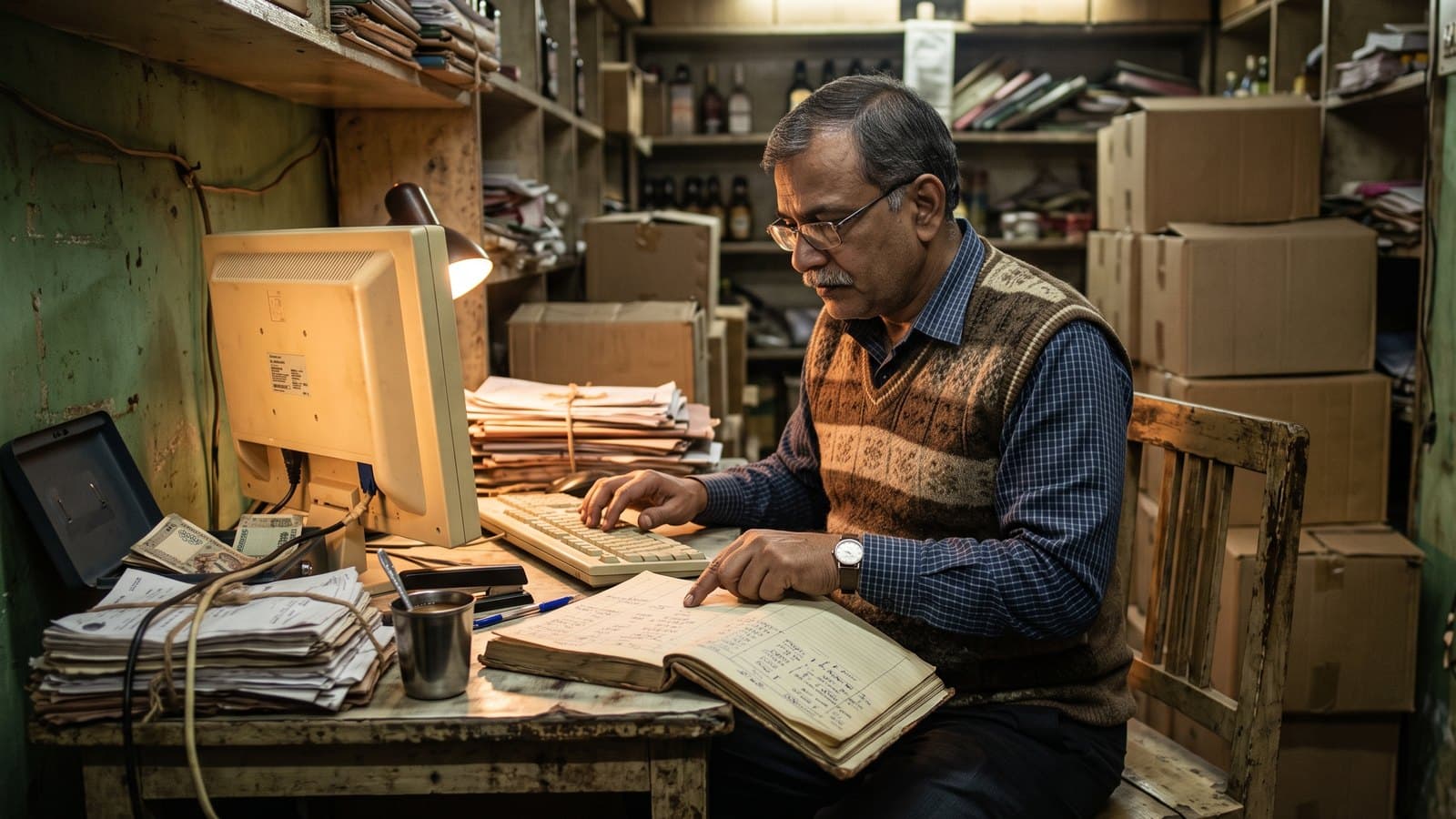
Wine shop accounting in Tally means keeping a liquor shop's books in TallyPrime: the day's sale, every supplier bill, stock by brand and pack size, and the cash and UPI that came in. Many shop owners in Uttar Pradesh and Haryana keep their books this way.
Tally is not the problem. The problem is how the numbers reach it. In many shops someone types the day's sale from the parcha or the sale register, one line at a time. We have met shops where that typing runs a week behind. By then the stock in Tally no longer matches the shelf, and nobody trusts the closing figure.
This guide covers how the books should look in Tally, what goes where for excise duty and GST, and where the process breaks. It also shows how wine shop software that runs the counter can hand your accountant Tally-ready files instead.
How a liquor shop's books are set up in Tally
Set the masters right once and every entry after that gets easier. Masters are the ledgers and stock items that your entries point to.
Ledgers
Keep one sales ledger and one purchase ledger for each liquor category. You then see sale and margin for IMFL, beer, wine and country liquor without extra work.
Each supplier gets his own ledger under Sundry Creditors. Keep Cash and UPI as separate ledgers. Cash sits in the galla. UPI money lands in your bank account, so your CA will want it to match the bank statement. A customer who buys on credit gets his own party ledger, so you can see who owes what.
Stock groups and stock items
Create stock groups that follow your excise categories. In UP, that means IMFL, wine and beer, with beer split into 5% and 8% to match your daily registers. Add country liquor only if your licence covers it. In Haryana, follow the categories on your licence and on your supplier's bill.
Then create one stock item for each brand and pack size. A whisky sold in 750 ml, 375 ml and 180 ml is three stock items, not one. Each has its own rate and its own closing stock.
In TallyPrime, go to Gateway of Tally, then Create, then Stock Item. Pick the stock group in the Under field and set the unit. Enter the opening quantity and rate from a fresh physical count, not from an old list.
Units
Count stock in bottles. If your supplier bills in cases, give each stock item an alternate unit, so a case converts to the right number of bottles for that size. A compound unit fixes one conversion for every item. That does not suit liquor, where a case of 750 ml and a case of 180 ml hold different numbers of bottles. Alternate units can differ from item to item.
Recording the daily sale, purchases and stock count
The day's sale
Open a sales voucher with F8 and switch to Item Invoice mode with Ctrl+H. For a cash sale, pick Cash in the Party A/c name field. For a credit sale, pick the customer's ledger. Then enter each item sold with its quantity and rate.
If your shop does not print a bill for every customer, the accountant posts the day's sale as one voucher, item by item. Then the UPI part moves out of Cash into the UPI or bank ledger, in the way your CA prefers. If that split is wrong, the bank will never match.
Supplier bills
Open a purchase voucher with F9. Enter the Supplier Invoice No. and date exactly as they appear on the bill. For stock bought on credit, pick the supplier's ledger in the Party A/c name field. Enter each item at the rate on the bill.
If the bill shows TCS, that is income tax your supplier collected. It is not part of the stock cost. Book it to its own ledger and ask your CA how to treat it.
Stock count
When your shelf count differs from Tally, record a Physical Stock voucher with Ctrl+F7. Tally then sets each item's quantity to what you counted. Do this after breakage too, so the loss stops hiding inside the closing stock.
Excise duty, VAT and GST: what goes where
Liquor is outside GST
The central GST law taxes supplies "except on the supply of alcoholic liquor for human consumption". States tax liquor through their own excise and VAT laws instead. So your liquor sales carry no GST. A shop that sells only liquor does not need GST registration.
Excise duty is already in the price
Most of the excise duty is paid before the stock reaches you. In UP, excise duty is one of the parts the MRP is built from, along with the distillery's price and the trade margins. In Haryana, the 2025-27 excise policy says IMFL stock is duty paid at the L-1 wholesale stage, and country liquor at the L-13 stage.
So the rate on your supplier's bill already carries that duty. The accounting standard on stock, AS 2, counts duties and taxes you cannot recover as part of the cost of purchase. Book the bill at its full rate to your purchase ledger. Do not open a separate excise expense for duty that sits inside the rate.
Some charges the shop pays itself. Licence fees are one. In Haryana, retail vends also pay a permit fee on the stock they lift, and extra excise duty to lift above the basic quota. Ask your CA where each one goes.
VAT
States also tax liquor under their VAT laws. Who pays it, and at which stage, differs by state and by category. Ask your CA whether any VAT entry belongs in your shop's books.
Where GST still applies
Soft drinks, soda, packaged water and snacks are GST goods. If your shop sells them, the GST rules apply to that part of the business. Your liquor sale also counts toward the turnover that decides whether you must register. Talk to your CA before you start selling them.
Where wine shop accounting in Tally breaks
The setup above is sound. It breaks at the point where paper turns into Tally entries.
A day of typing from the parcha
In UP, the day's sale lives on the parcha. In other shops it lives in a sale register. The accountant reads it and types each brand and size into Tally. A busy shop sells dozens of lines a day. That is hours of typing every week, and the books are always behind.
Stock in Tally never matches the shelf
Every typing slip changes the closing stock. Add a purchase bill that never got entered, a transfer to the godown nobody recorded, and breakage written in a margin and forgotten. After a month, Tally shows bottles that are not there and misses bottles that are.
Pack sizes get crossed
The 750 ml and the 375 ml of the same brand sit one line apart on paper. Type a sale on the wrong line and two items go wrong at once. One shows extra stock and the other goes negative. Nobody notices until the next count.
Cash, UPI and udhaar get blurred
When the day's sale is typed as one number, the split between cash, UPI and credit is a guess. The galla does not match, the bank does not match, and the owner cannot tell which one is wrong.
Keep Tally for the books, let the counter feed it
You do not need to leave Tally. Your CA knows it, your past years live in it, and it keeps books well. The fix is to stop typing into it.
Record the sale once, at the counter. A billing system records the brand, the pack size and the payment mode on every bill.
Keep one product list where each pack size is its own item with its own MRP. The counter and Tally then use the same names.
Export the period as Tally files and import them.
Spend the accountant's time on checks: cash against the galla, UPI against the bank, stock against the shelf.
When you import into TallyPrime, order matters. Use the Import menu with Alt+O. Bring in the masters first: groups and ledgers, then units, stock groups and stock items. Bring in the vouchers last. A voucher that points to a ledger or item Tally does not have yet lands in the import exceptions as a missing master.
Before the first import, check that the company's books begin on or before the first date in the file. After the import, open a report, press F2 and set the period to the dates you imported. Otherwise the report looks empty. Try the first import on a copy of the company. Note the last date you imported, so the same days never go in twice.
How BottleShop hands your accountant Tally-ready files
BottleShop is India's first liquor-only POS. It runs the counter and leaves the books in Tally, where your CA wants them.
Every bill takes under a second and records the brand, the pack size and how the customer paid. It works on an Android tablet. It keeps billing offline when the internet drops and syncs on its own later.
Some shops do not bill each customer at the counter. There, the day's sale goes in once, in a sheet laid out like the parcha. That takes about 15 minutes.
The Business plan includes Tally export. It gives your accountant three files in the layout Tally expects: the account masters, the item master and the transactions. Sales and purchases come through category-wise, with the cash, UPI and card split. You pick a start date and the export runs up to yesterday. The accountant's day of typing becomes an import and a check.
The owner gets the day's numbers on WhatsApp every night. Billing, stock, purchases and compliance reports sit in one place, and you can see the full list on our features page. BottleShop is live in 10 states with zero churn.
Frequently Asked Questions
Is GST charged on liquor sold in a wine shop?
No. The GST law leaves out alcoholic liquor for human consumption. States tax it through excise duty and VAT instead. Soft drinks, soda, packaged water and snacks are different. They are GST goods, so if your shop sells them, ask your CA how GST applies to that part of your sale.
Does a liquor shop need GST registration to use Tally?
No. Tally keeps books for a company with or without GST. A shop that sells only liquor is not required to register for GST. Once you also sell taxable goods, your liquor sale counts toward the turnover limit for registration. Your CA can tell you where your shop stands.
How should I create liquor stock items in Tally?
Make one stock item for each brand and pack size, so a 750 ml and a 180 ml of the same brand are two items. Put them in stock groups that match your excise categories. Count in bottles and add an alternate unit for cases. Enter opening stock from a fresh physical count.
Where does excise duty go in wine shop accounting in Tally?
In a retail shop, most excise duty is paid before the stock reaches you. It sits inside the rate on your supplier's bill. Book the bill at its full rate to your purchase ledger, and do not create a separate excise expense for that duty. Licence fees and permit fees are separate, so ask your CA where they go.
Why does stock in Tally never match my shelf?
Usually the sale is typed by hand from the parcha or the register. One missed purchase bill, one unrecorded transfer or one sale typed against the wrong pack size changes the closing stock. Record a Physical Stock voucher after each count, and move sales entry to the counter so the typing stops.
Can BottleShop data go straight into Tally?
Yes. The Business plan includes Tally export. It gives your accountant ready files for the account masters, the item master and the transactions, with sales category-wise and the cash, UPI and card split. Import the masters first and the transactions after. Your books stay in Tally and the typing stops.
Last updated: 3 October 2026