UP Excise Portal Login 2026: What Every Shop Licensee Files
Published By: Jatin Monga (CEO) on 03 Oct 2026
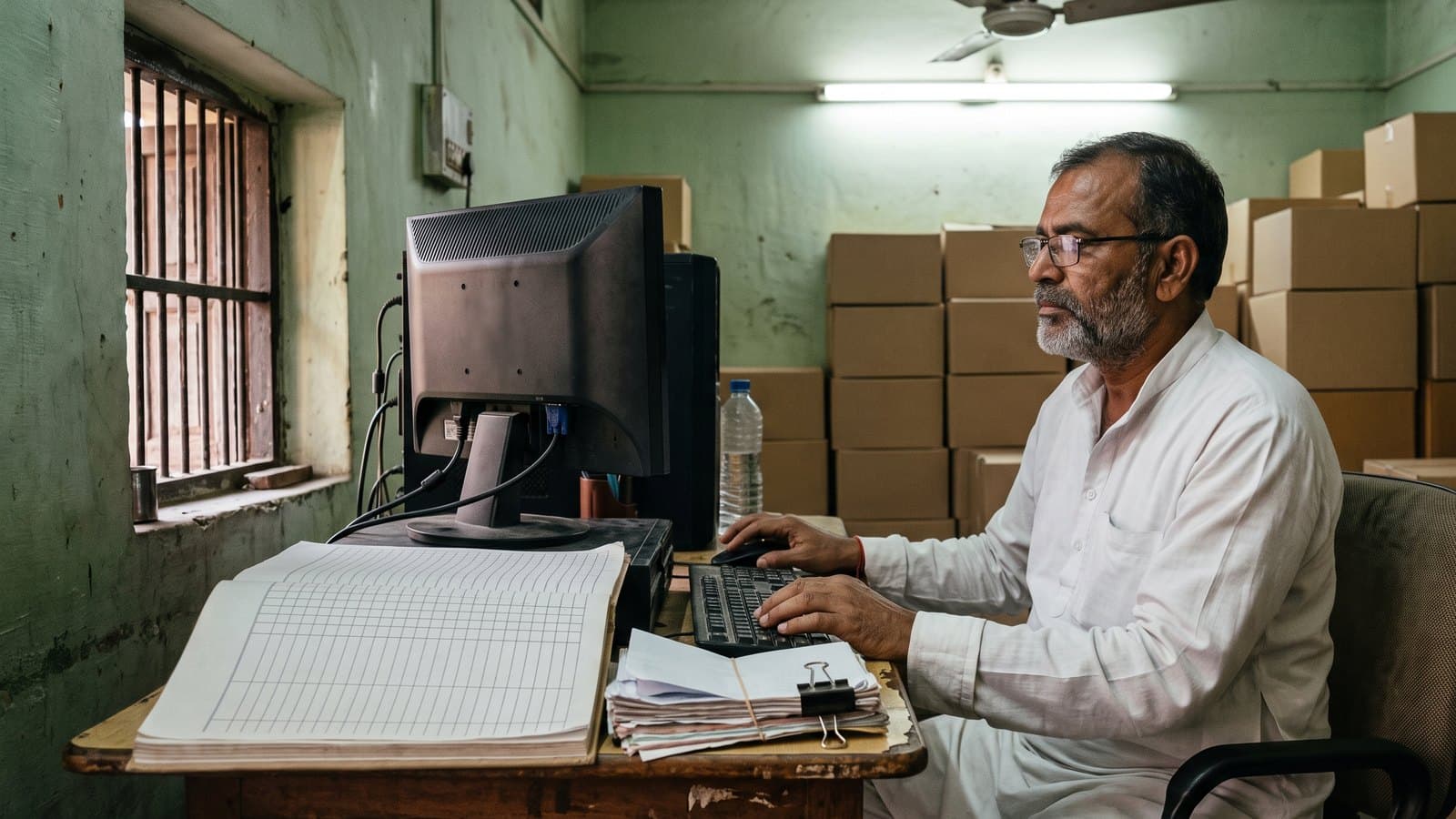
The UP excise portal login takes you into IESCMS, the online system that runs liquor licensing and supply in Uttar Pradesh. If you hold a theka, model shop or composite shop licence, your indents, fees, renewal and monthly stock filing all run through it.
Most owners already have the login. What they lack is time. One bottle gets written on the parcha or billed at the counter. It gets scanned again on the excise device, written again in the night register and typed again at month end. Four records of one bottle, and they rarely agree.
This guide covers which site to open, how the login works, what you file and when, and how to stop doing the same work four times. The monthly MST stock filing is where most shops lose the most hours, so we spend time on it.
Which UP excise website is which
The department runs more than one website. People mix them up, so here is what each one is for.
excise.up.gov.in is IESCMS, the Integrated Excise Supply Chain Management System. This is the working portal. Licensees log in here.
cms.upexciseonline.co is the public portal. It carries the excise policy, notifications, circulars, e-lottery results and MRP lists. You do not need a login.
exciseelotteryup.upsdc.gov.in is the e-lottery portal. Applications for new shops go here.
The helpdesk number on both main sites is 1800-309-7773. The public portal lists its hours as Monday to Friday, 8 am to 8 pm.
Some useful checks on the public portal work without a login. You can verify a transport pass, track an indent, check a bottle's QR code or a licence, and verify an online challan. When a new brand arrives, check its MRP in the brand-wise MRP list.
How the UP excise portal login works
Open excise.up.gov.in in Chrome, Firefox or Safari. A computer screen is easier than a phone for long forms.
In the IESCMS Login box, choose Login With Password or Login With OTP.
For a password login, enter your username or email address and your password.
Type the captcha characters shown in the box and press Login.
If you have forgotten the password, use the Reset link under the Login button.
The department has asked all users to reset their passwords. After you log in, click the Change Password icon and set a strong one. Its portal rules also say to change the password at least every 60 days and never to share the login.
That last rule is where many shops slip. The munshi or the accountant often does the portal work on the owner's login. If you hand it over, change the password the day that person leaves.
Registering a new account
The Register link under the login box opens the Applicant Registration form. Keep these ready before you start:
A photo of the applicant and a scan of the PAN card, each as a PNG, JPG or JPEG file of up to 2 MB
PAN number, date of birth, mobile number and email ID
Father's or husband's name
Full address, including tehsil, police station and locality
If you already run a shop, ask your district excise office before you create a new account. A second account in the same name only causes confusion later.
What a licensee files, daily and monthly
For a running shop, the work falls into a daily part, a monthly part and a yearly part.
Every day
Indent. You raise your order request on the wholesaler through the excise system.
Purchase inward. When stock arrives, you scan the QR code on the invoice and the purchase enters the system.
Sale scan. The cap QR code of every bottle sold is scanned on the excise device given to the shop.
Registers. You keep the daily parcha and the category registers: IMFL, wine, beer 5% and beer 8%, for the categories your shop sells.
Every month
MST. At the start of each month you enter the previous month's closing stock. The system then shows how much of the stock you bought was scanned out at sale.
Fees. Licence fees and other dues go through an online challan made on the portal. The department asks licensees not to deposit challans by hand at the treasury.
Every year
Renewal if your shop is eligible, or the e-lottery if it is not. The next section covers both.
For country liquor shops, the 2026-27 policy also ties each month to a minimum lifting quantity (MGQ). As reported in the trade press, a shop that lifts less than its monthly MGQ still pays the matching privilege fee. Extra lifting in one month does not carry into the next. Check your shop's figure with the district office.
The scan share matters most. Your district office watches the gap between bottles bought and bottles scanned out. A low share, month after month, can put the licence at risk. Ask your district office what share it expects this year.
Renewal and e-lottery: how 2026-27 ran
The 2026-27 policy allowed existing retail shops to renew. The department's timetable, published with the policy, set these dates:
Online renewal applications opened on 18 February 2026 at noon. The processing fee could be paid online from 2 pm the same day.
The last date to apply was 23 February 2026, 5 pm.
By 26 February, the licensing authority decided each case. Approved licensees were told to deposit the full renewal fee and 50% of the year's basic or annual licence fee.
The last date to deposit the renewal money was 5 March 2026, 5 pm. That closed renewal.
Shops that were not renewed went to e-lottery. Applications ran from 10 March to 17 March 2026 on the e-lottery portal. The first draw was set for 20 March 2026.
These dates were for 2026-27 only. The 2027-28 dates will come with next year's policy. This year the renewal window opened in mid-February and stayed open for under a week. Watch the Notifications and Excise Policies pages on the public portal from January. Confirm every date with your district excise office.
A missed window is costly. A shop that is not renewed goes into the e-lottery, where another applicant can win it.
Where the double work comes from
Count how many times one bottle of whisky gets recorded in a typical UP shop:
The salesman bills it, or writes it on the parcha.
Someone scans its cap on the excise device.
At night, the munshi adds it to the IMFL register.
At month end, it becomes part of the closing stock typed into the MST.
Each record is made by a different hand at a different time. So they drift. This is where it usually breaks:
Rush hour. At 8 pm, with ten customers at the counter, a few bottles go out without a scan. The scan share drops and nobody notices until month end.
Night registers. The register is written from memory or from a rough slip. A 375 ml gets entered as a 750 ml.
Late purchase entry. Stock arrives in the morning but gets entered the next day. Every closing balance after that is wrong.
Month-end typing. The MST closing stock is copied from registers that have already drifted. If an inspector counts the shelf, the gap shows.
A fix you can start tomorrow
Make the bill the first and only record of a sale. Build everything else from it.
Every night, compare bottles billed with bottles scanned on the device. Chase the gap the same night.
Enter purchases on the day the stock arrives.
Build the registers from the day's bills, not from memory.
Count closing stock on the last night of the month. File the MST in the first days of the new month.
How BottleShop removes the double entry
BottleShop is India's first liquor-only POS. It was built for counters like a UP theka, not adapted from restaurant or grocery software. It bills in under a second and runs on an Android tablet. It works fully offline and syncs on its own when the internet returns.
Every bill updates your stock. From those bills, BottleShop builds the daily excise registers for IMFL, wine, beer 5% and beer 8%. The monthly MST figures come from the same data. Your accountant opens the portal with numbers that already match the shelf.
Two things stay the same. You still scan bottles on the excise device. You or your accountant still log in to the portal to file. What goes away is the night spent rebuilding registers by hand and the guesswork at month end.
The nightly check also gets easier. The daily sales report gives the manager the day's billed bottles to match against the scans before closing. You can see how each piece works in the BottleShop features.
For a shop with one billing counter, the Essential plan covers this: billing with state compliance, purchase entry, stock, cash drawer, daily and compliance reports, unlimited users and a daily WhatsApp report to the owner. Plans start at Rs. 25,000 a year, about Rs. 70 a day. BottleShop is live in 10 states with zero churn.
Frequently Asked Questions
What is the official website for the UP excise portal login?
The login is at excise.up.gov.in, the IESCMS portal of the UP Excise Department. The public information site is cms.upexciseonline.co, which needs no login. E-lottery applications go through exciseelotteryup.upsdc.gov.in. Do all your filing and fee payment on the login site. The helpdesk number shown on both main sites is 1800-309-7773.
I forgot my IESCMS password. What should I do?
Click the Reset link under the Login button on excise.up.gov.in and follow the steps shown. Once you are back in, use the Change Password icon to set a strong password. The department asks users to change it at least every 60 days. If the reset fails, call the helpdesk.
What is the MST in UP excise?
The MST is the monthly stock filing a UP retail shop makes on the excise portal. At the start of each month, you enter the previous month's closing stock. The system then shows how much of the stock you bought was scanned out at sale. Keep that share high.
Can my munshi or accountant use my portal login?
The department's portal rules say not to share login details. In practice, many owners let a trusted accountant do the filing. If you do, check every monthly filing yourself and change the password the day that person leaves. The licence is in your name, not theirs.
When does UP excise licence renewal open for 2027-28?
The dates come with the 2027-28 excise policy. For 2026-27, online renewal applications ran from 18 to 23 February 2026, and the renewal money had to be deposited by 5 March. Watch the public portal's notifications from January and confirm with your district excise office.
Does billing software file the MST on the portal for me?
No. You or your accountant still log in and file on the portal, and bottles are still scanned on the excise device. What BottleShop does is build the daily registers and the monthly MST figures from every bill, so the numbers you file already match your stock.
Last updated: 3 October 2026